The editors' frame
The bar every editor shares, for moving between editors, renaming, undoing and saving.
The PDF breakdown, the asset library and the card builder fill the whole window and share one top bar. The tools in its middle belong to each editor; the two ends work the same everywhere. Where the bar has no room for the tools' names it shows their icons alone, and a tool's name appears when the pointer rests on it.
The editors lay themselves out for the window they are given, so they work on a tablet and on a phone too. On a tablet or a phone shows where everything goes there.
Getting around

- 1Back to the studio
- 2Switch editor
- 3Rename the manual
- Studio takes you back to the studio.
- The caret next to it opens the editor switcher.
- The manual's title has a pencil to rename it: press Enter or the check to keep the new name, Esc or the cross to put the old one back.
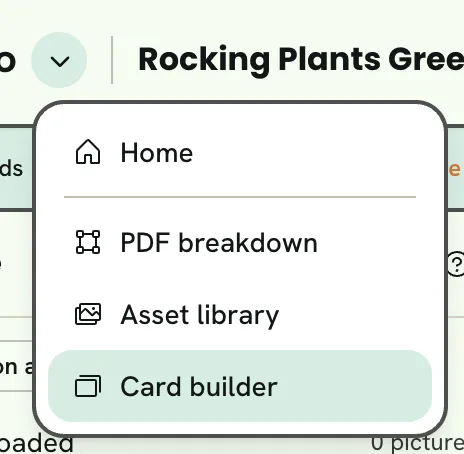
- 1The studio
- 2PDF breakdown
- 3Asset library
- 4Card builder
Saving and undoing

- 1What the checks found
- 2Undo and redo
- 3Save
- The issues pill appears only while the checks find something, and opens the checks under it: the list of what they found. Each finding takes you to the thing it's about.
- Undo and Redo step through your changes (⌘Z and ⇧⌘Z).
- Save reads Saved when everything is saved, and Save with a dot when there are changes (⌘S). Your browser also keeps unsaved changes, and offers to restore them if you come back before saving.
The asset library saves each picture as you finish editing it, so it has no undo or save in the bar.
Help in the editor
The ? at the top of the asset tree explains the editor in a few lines, with what a finger does on a touch screen and its keyboard shortcuts.
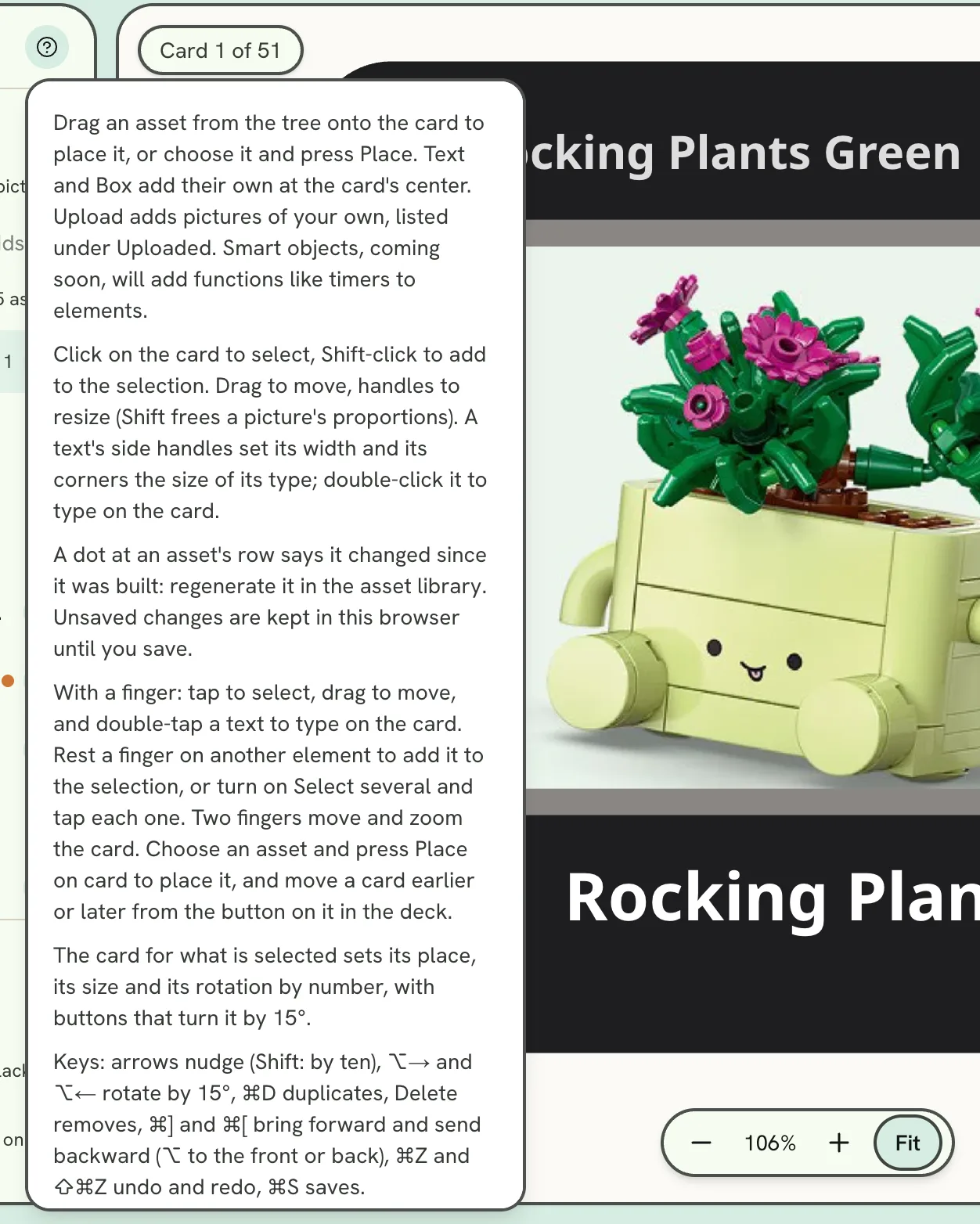
- 1How this editor works